How to run the same night every week
If you run the same night on the same day, set it up once and save it. After that, next week is a copy of last week with a fresh date.
Why this matters
A weekly host does the same setup every week, which is the fastest way to get tired of an app. A saved template turns all of it into one tap.
From the app
Setting it up
- 1
Save the setup as a template
When you build a night you like, save it. The template keeps the whole thing: format, courts, the cap, who can join, the cover photo, DUPR and finals.
- Save the one you already run, and next week is a copy of it.
- Keep more than one: a Tuesday doubles night and a Sunday singles ladder.
- The cover photo and the venue come along too, so it looks the same each week.
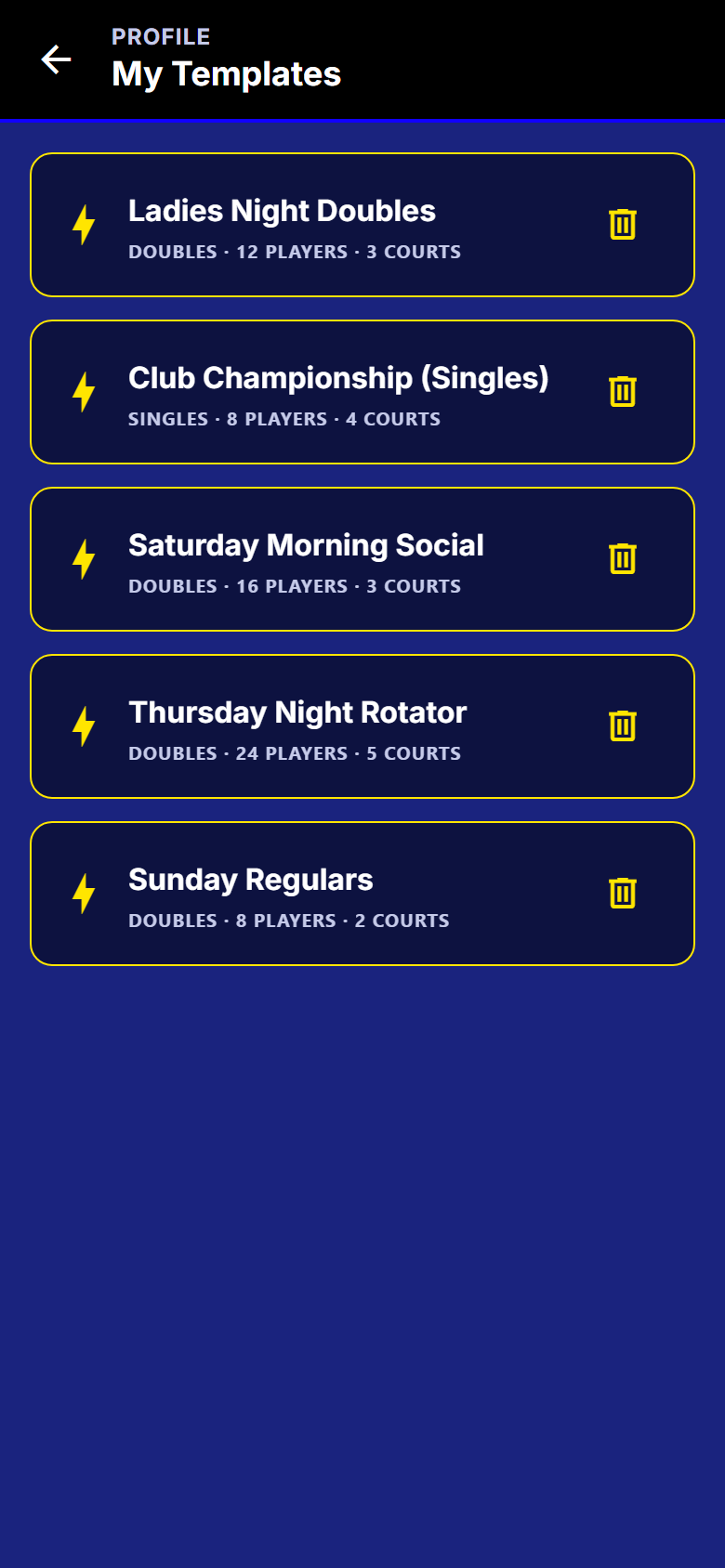
My templates. Each saved night keeps its format, court count and cap. - 2
Start next week from it
Tap Create and your saved nights are right there at the top. Pick one and the setup is already filled in.
- No retyping the name, the venue, the courts or the cap.
- You still get every step, so you can change one thing before it goes live.
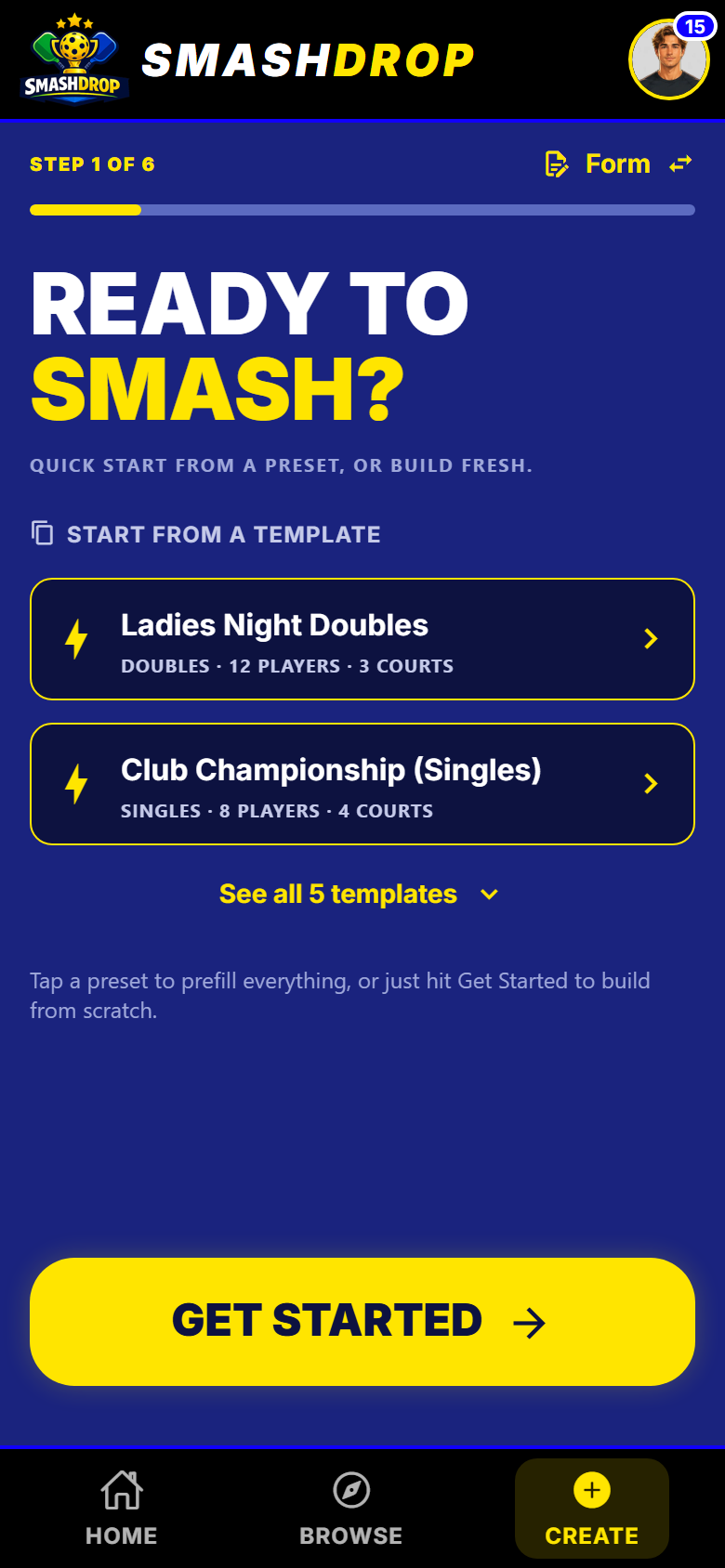
The first create step. Your saved nights sit at the top to start from. - 3
Change anything, then commit
A template drops you on the review step with the whole night already built. Read it back, change what is different this week, and tap the button.
- Moved to three courts this week? Change it here and it does not touch the template.
- Nothing exists until you tap Create event on the last step.
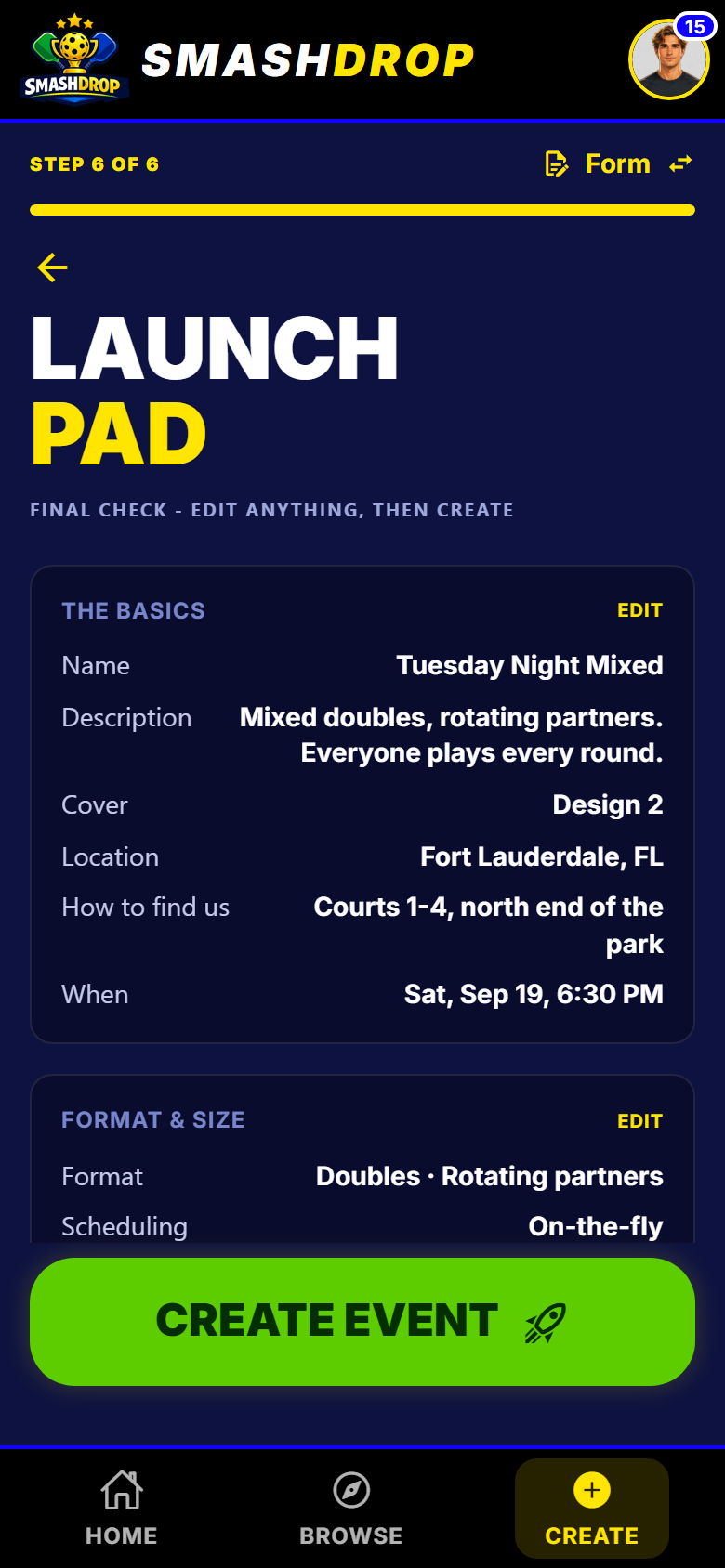
The review step. Starting from a template lands you here, already filled.
Week to week
- 4
Say who is in this week
A template can remember last week's players. When you recreate the night it asks you about each one, so the regulars are handled in a few taps.
- For each person: add them, invite them, or leave them out this week.
- When those decisions are attached, creating the night also opens it for joining.
- 5
Keep the template current
Change something for good, like a new home court or a bigger cap, and save it back over the template. From then on every week starts from the new normal.
- Only the template changes. Nights you already created are left alone.
- One template can seed a whole season of identical nights.
What to watch out for
Next
Running your first event walks the whole setup you are about to save, and sharing the running of your night covers handing a regular night to a helper.
Get SmashDrop
Free for casual hosts. iOS and Android. No card.