What a player does on the night
Six steps, from the link in the group chat to your name moving up the table. You are never charged for any of it.
Why this matters
A player has two questions all evening: where am I playing, and how am I doing. Usually both answers live in the host's head, and here they live on your own phone instead.
From the app
Six steps
- 1
Tap the link the host sent
It opens a page with who is hosting, how you are playing, the date, the place and how full it is. No app yet? It sends you to the store and then straight back here.
- A QR code and a short code do the same job.
- If it is full you join a waiting list and see your place in it.
- Tap the link before you have an account and it still drops you in.
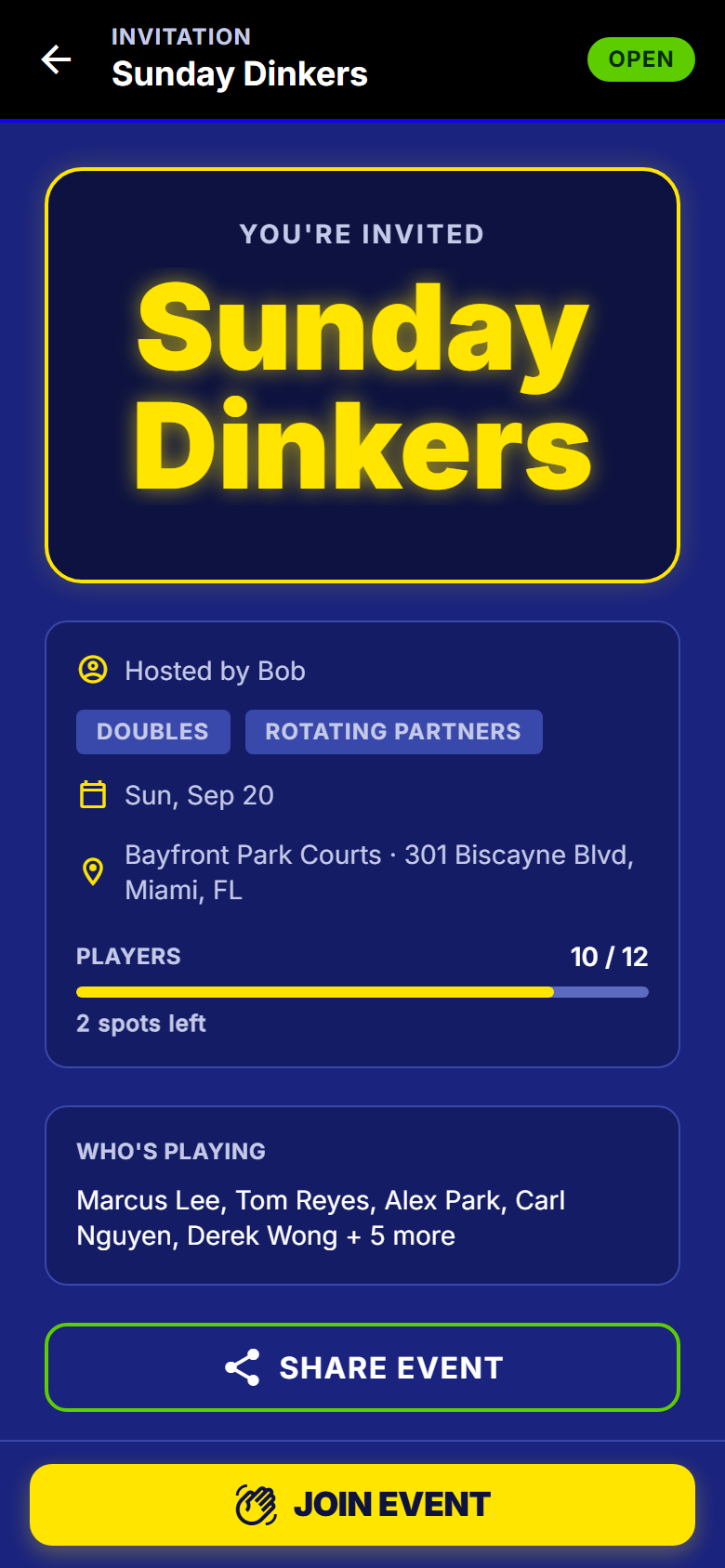
The page an invite link opens - 2
Find your court number
It is the biggest thing on the screen, readable at arm's length in the sun, with your partner and your opponents under it.
- All your matches for the night sit below, with results as they land.
- Your record and your place are pinned to the bottom.
- Sitting this round out? It says so by name. Never a blank screen.
- Open the app mid-night and it puts you back on your match.
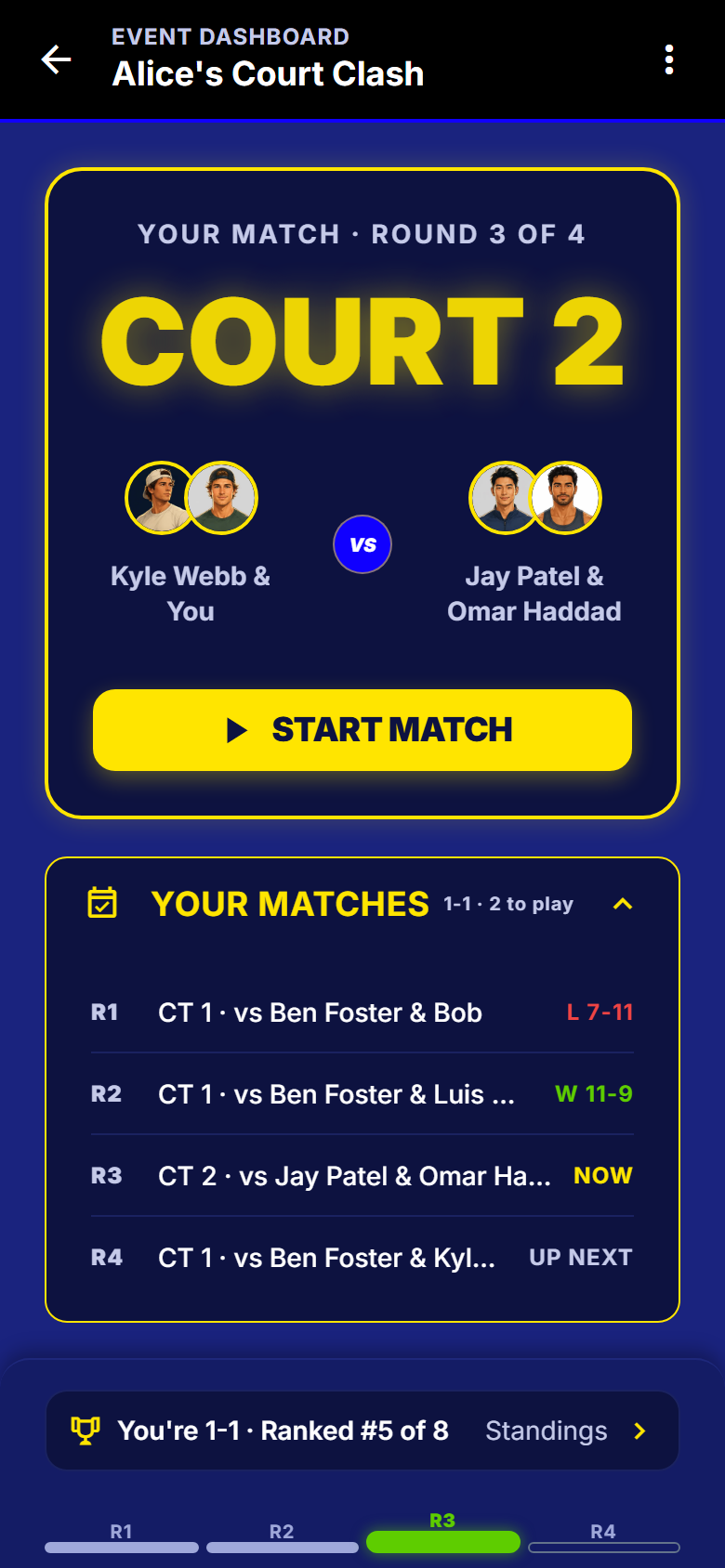
Round 3 of 4. Court 2, and a 1-1 record - 3
Put the score in
Two plus-minus counters and a button, sized for a hand holding a paddle. Nothing to type.
- Scores cannot be tied. A match needs a winner.
- Whole numbers only, and nothing below zero.
- Whether you can enter a score at all is the host's choice.
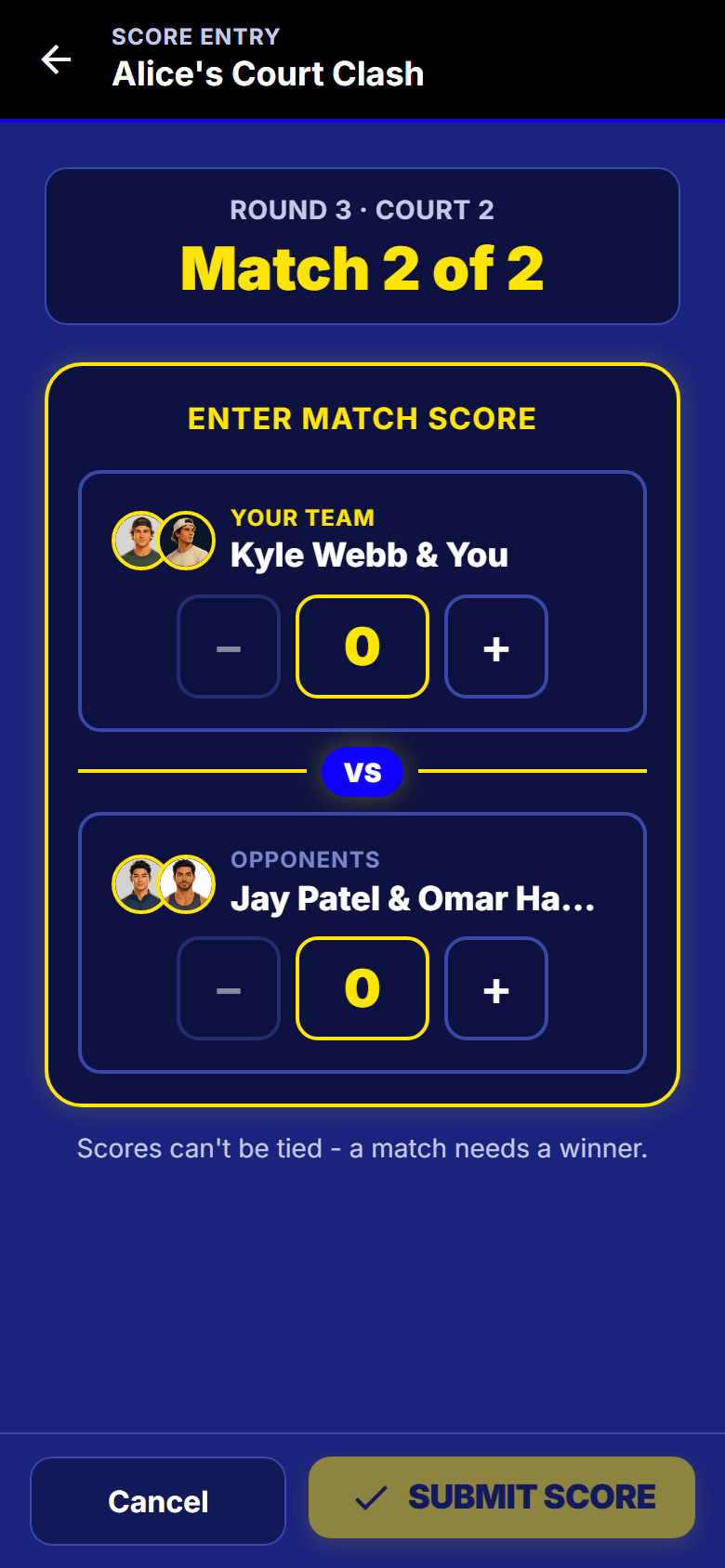
Score entry, before you touch it - 4
Tap it up and send it
Plus, minus, submit. The button only lights up once the score is one the app will take.
- The winning side lights up, so a score entered backwards is obvious.
- Cancel leaves the match exactly as it was.
- The host can fix any score later, even after the night is over.
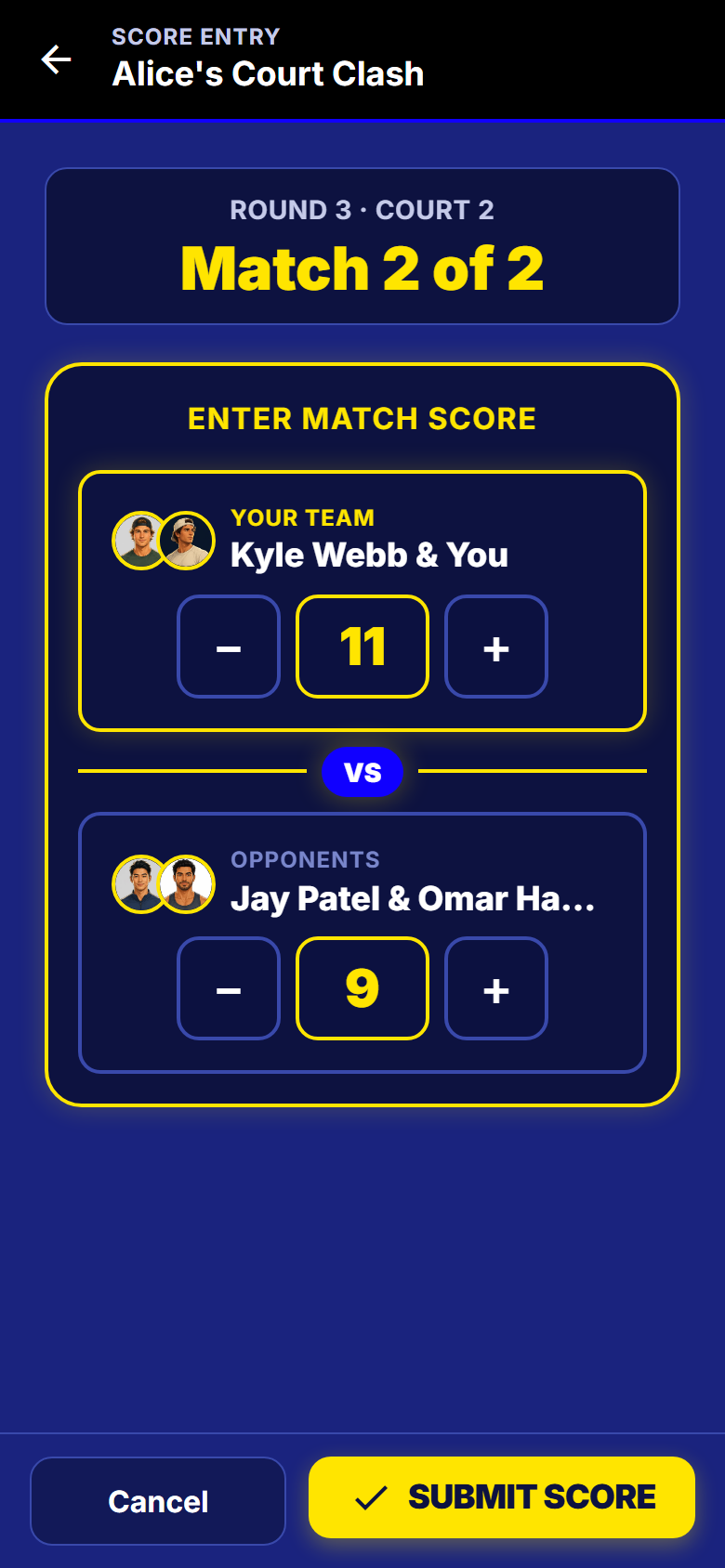
11-9, and the button lights up - 5
The other side confirms
If the host asked for confirmation, your score is not final until your opponents agree. Your match card says so.
- Until then it does not move your record or the table.
- A disagreement goes to the host with both versions, not to an argument on court.
- A score waiting on you sits at the top of your own screen.
- The host can set a night so scores just count, with no waiting at all.
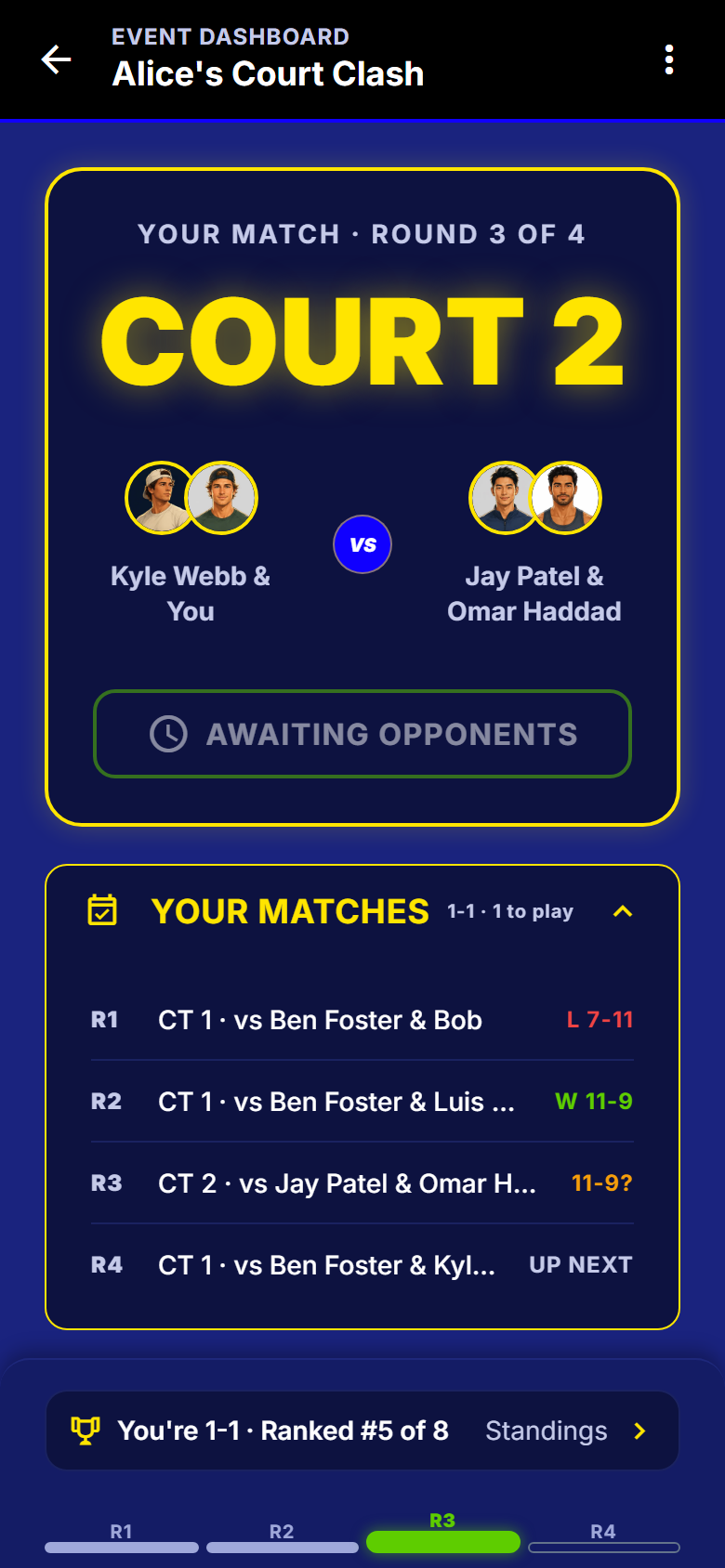
Submitted, and waiting on the other side - 6
Watch the table, not the host
It updates on every phone at the courts the moment a score is confirmed.
- Your place, your wins and losses, your points for and against.
- A place decided on a tiebreak says so on the row.
- Tap any player to see every match they have played tonight.
- If finals are on, the cut line is drawn while the night is still going.
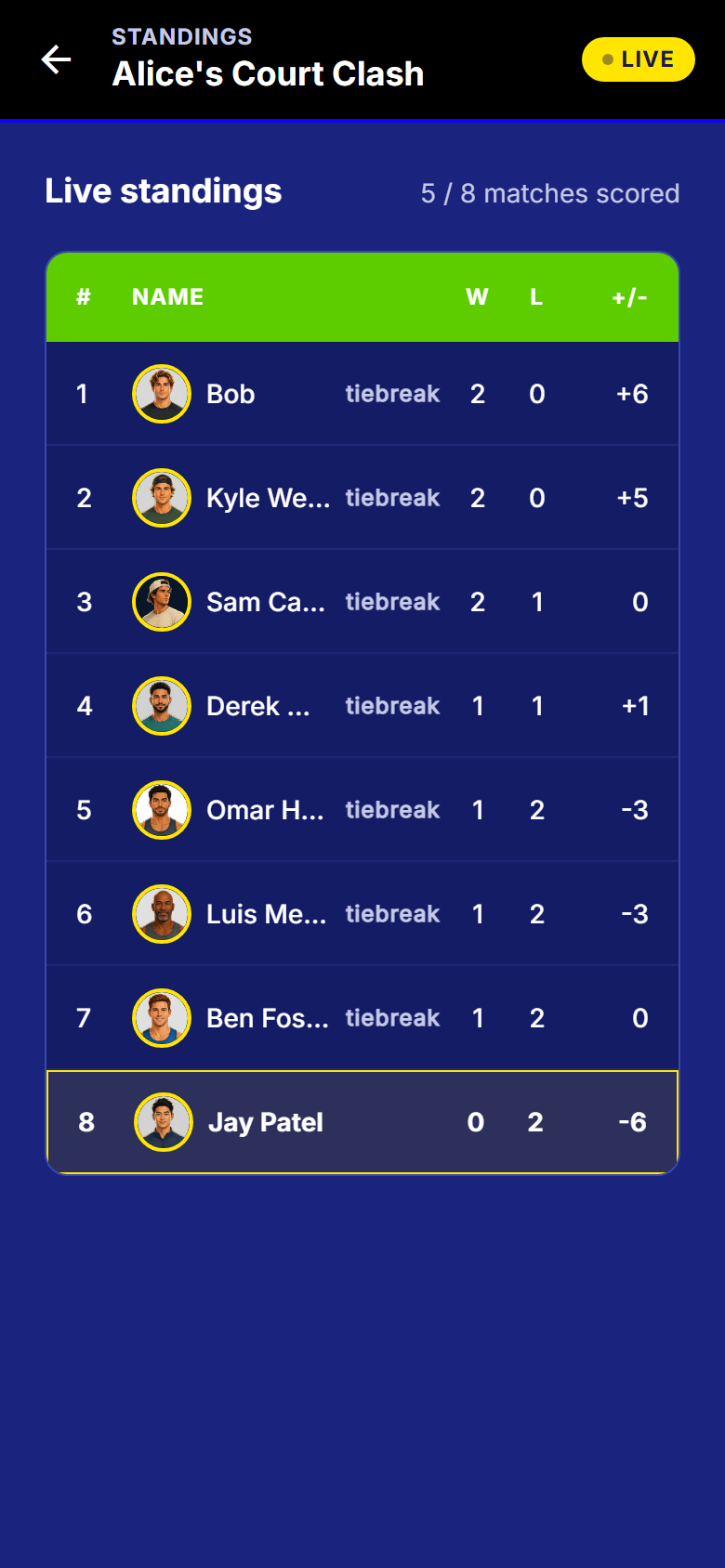
The same event, 5 of 8 matches scored
What to watch out for
Good to know
- Your name, sex, age, DUPR rating, self-rating, location and win-loss record each have their own on-off switch. Hiding one never stops you joining a night.
- Your email is never shown to another player.
- A guest added by name has nothing to confirm. Somebody else enters the score and they are still ranked.
- On a DUPR-rated night, a winning score under 6 is stopped before it can reach DUPR.
What happens next
Ending the night on a winner is what comes after the last round: the cut, a seeded bracket and a podium.
Get SmashDrop
Free for casual hosts. Players never pay. iOS and Android.